Gladiator Movers
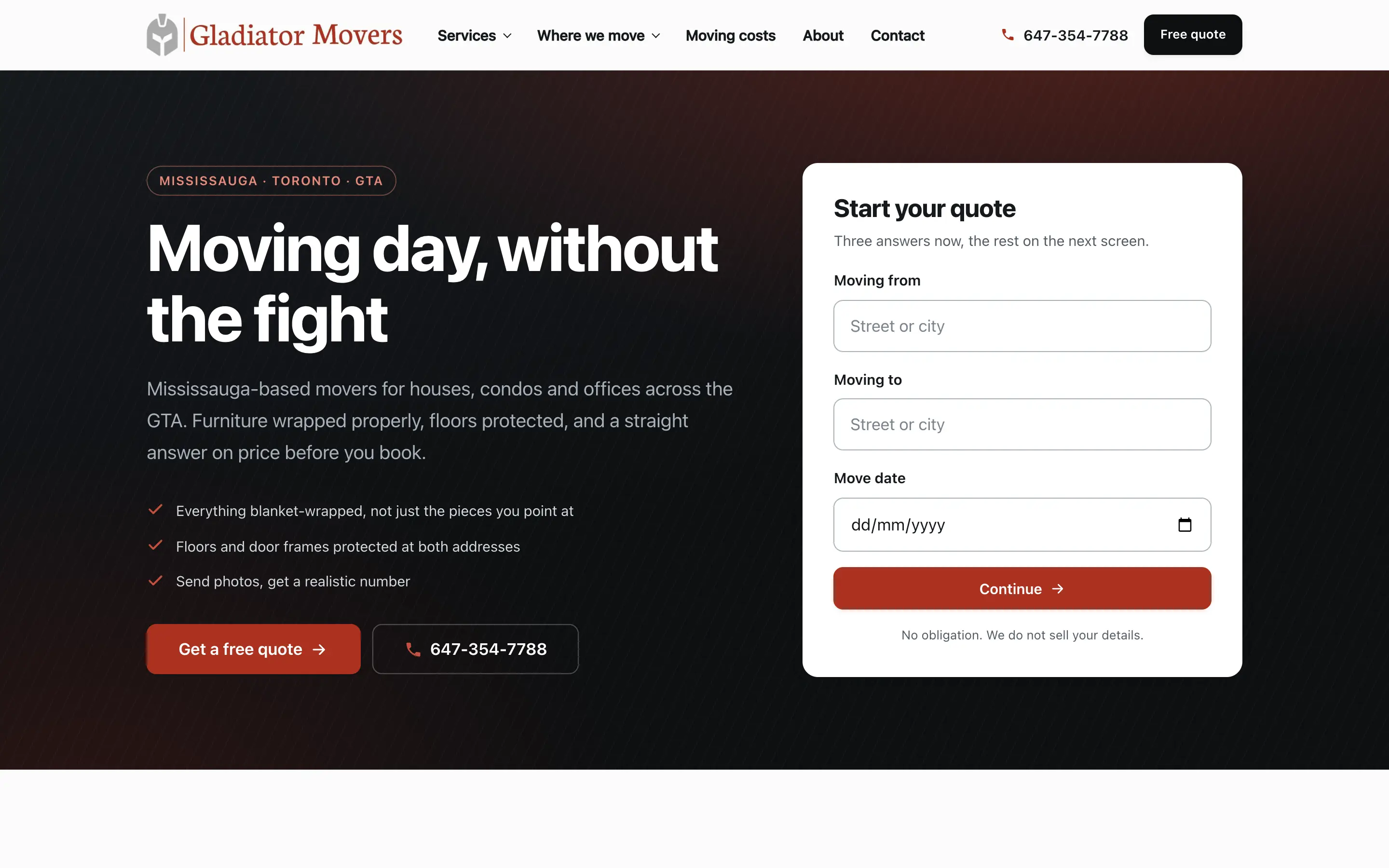
A moving company site where the quote starts in the hero, service pages exist for every job type, and the whole thing is built around one action: get a real number.
Toronto & Ontario
Ontario organisations are told their website must be accessible, sold an overlay widget, and left with a site that is no easier to use. InceptiCode builds to WCAG 2.2 AA and proves it with automated scans and a keyboard-only pass on every build.
Audits scoped per site · accessible builds included as standard
or call +1 647 691 5063
axe-core across every page state · manual keyboard pass · written report with the criterion for each failure
Real projects
Every project below is live and can be navigated with a keyboard. Open one, press Tab, and watch where the focus goes — it is the fastest accessibility test there is.
A moving company site where the quote starts in the hero, service pages exist for every job type, and the whole thing is built around one action: get a real number.
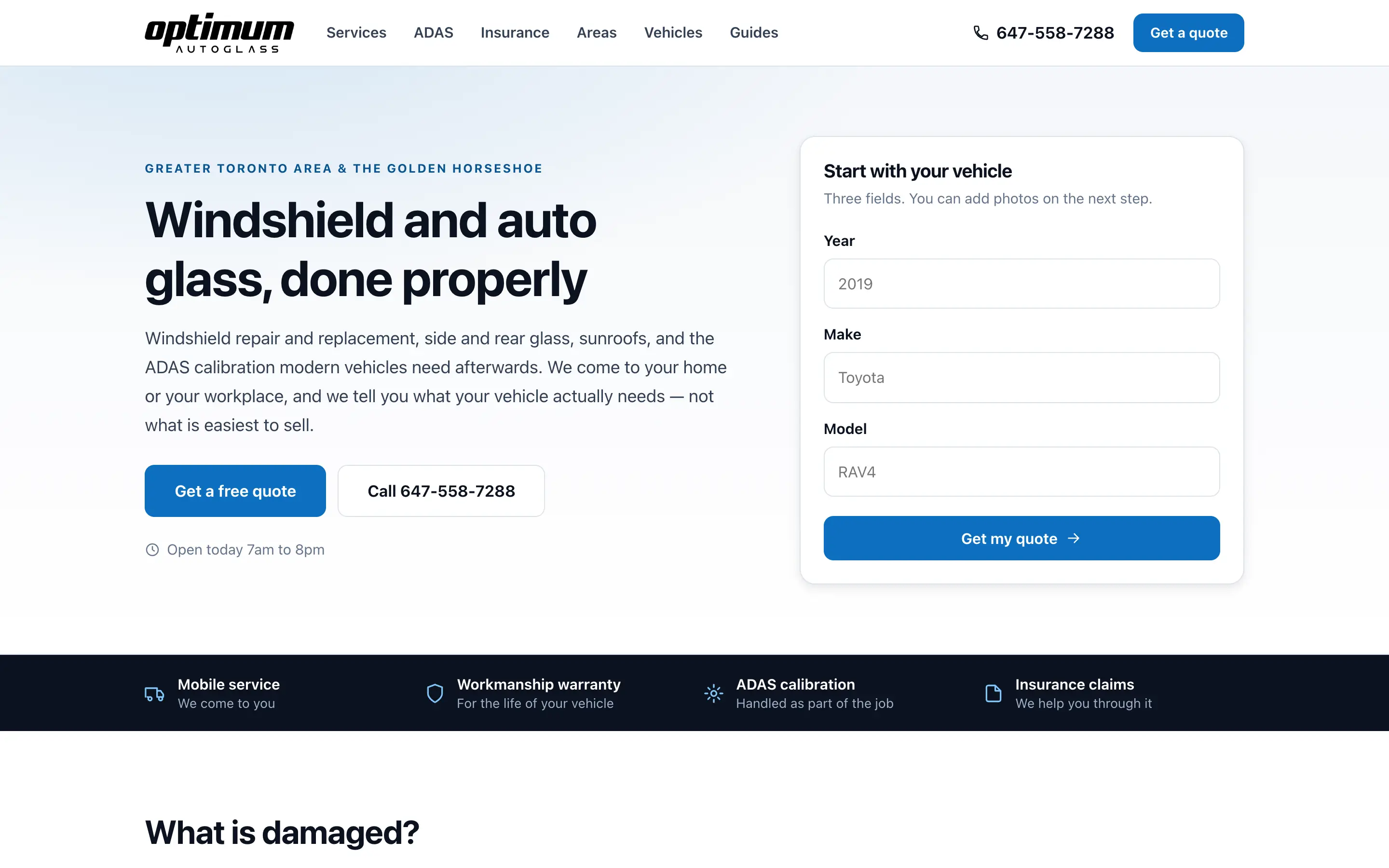
An auto glass site that asks for the vehicle first, explains ADAS and insurance plainly, and has a landing page for every service, area and vehicle people search.
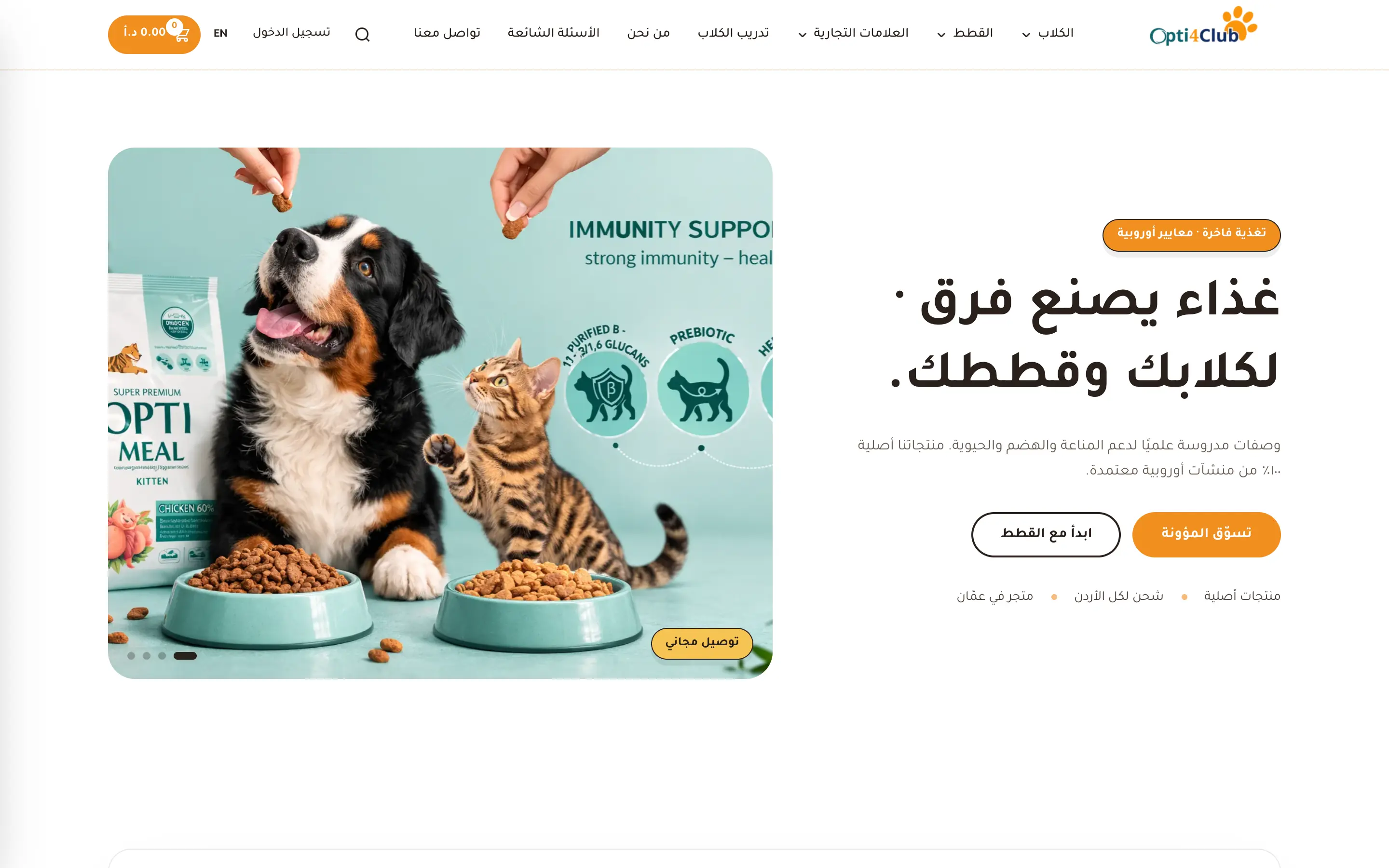
A full online store with cart and checkout, built Arabic-first with a proper right-to-left layout and an English switch — not a translated afterthought.
Pricing
Accessible construction is included in every InceptiCode build at no extra cost, because it is a design decision rather than an add-on — business websites start at C$2,490. Audits and remediation of an existing site are scoped separately, because the price depends entirely on how it was built.
Most requested
A professional site for an established business that needs to win more work.
From C$2,490
Most projects: C$2,490–C$4,990
Shopify or WooCommerce, set up to actually sell — not just to look finished.
From C$3,990
Most projects: C$5,900–C$8,900+
What's included
If your organisation has a specific legal obligation under AODA or an accommodation complaint to respond to, tell us in the enquiry. We will scope the audit around the evidence you actually need to produce, and we will tell you plainly where the question is one for a lawyer rather than for us.
How it works
No discovery invoices, no scope creep, no surprise change orders halfway through.
A short call or a form. What you do, who buys from you, what you want the website to bring in. No technical questions.
InceptiCode comes back with a page-by-page plan and a fixed price. You approve it before anything is designed or built.
The key pages are designed properly, with your content in them rather than a wireframe. Two rounds of revisions are built into the price.
The approved design gets built — responsive, fast, with forms and tracking wired up as part of the work.
A staging link goes to you, and you go through it properly. Content, links, forms, phone numbers. Anything wrong gets fixed before launch.
InceptiCode handles DNS, hosting and the cutover, submits the sitemap to Google, and confirms tracking is recording. Then we stay reachable.
Why InceptiCode
Every build is scanned with axe-core against WCAG 2.1 and 2.2 A and AA across every page state, and walked through with a keyboard only. This site scores zero issues at any severity across every page state tested, and the test script lives in the repository so the result can be re-run rather than believed.
Accessibility overlays are marketed as instant compliance and criticised consistently by accessibility practitioners and disability advocates. A script loaded after the page cannot infer whether a button is a button. InceptiCode fixes the markup instead, which is the only thing that actually changes the experience.
Contrast, heading order, form labels, focus states and keyboard operability are decided during design, where they cost nothing. Retrofitting them after a site is built is where accessibility gets its reputation for being expensive.
An audit produces a list of specific failures with the WCAG criterion each one breaches, the page it appears on, and what fixing it involves — ordered by how much it affects real users. Not a compliance score with no instructions attached.
The AODA website conformance requirement applies to public sector organisations and to private and non-profit organisations with 50 or more employees in Ontario. Smaller businesses are not caught by that particular rule, and we will say so rather than sell a compliance package to a company that does not need one.
Semantic markup, real headings, meaningful link text and labelled fields are what a screen reader needs and also what a crawler and an answer engine need. Accessibility work overlaps almost entirely with the technical foundations of search visibility.
FAQ
The Integrated Accessibility Standards Regulation under the Accessibility for Ontarians with Disabilities Act requires internet websites and web content of organisations with 50 or more employees, and of public sector organisations, to conform with WCAG 2.0 Level AA. Small private businesses under that threshold are not caught by the website requirement — but the accessibility reporting and customer-service obligations under AODA are broader, so it is worth checking your own obligations rather than assuming.
That the site can be operated without a mouse, read by a screen reader in a sensible order, understood without relying on colour alone, and used at 200% zoom without content disappearing. Concretely: text with sufficient contrast, real headings in order, labelled form fields, meaningful link text, visible focus outlines, alt text on images that carry meaning, and captions on video.
No. Overlay widgets that promise instant compliance have been the subject of repeated criticism from accessibility practitioners and disability advocates, and they have not prevented complaints or claims. They sit on top of the problem rather than fixing it, and screen reader users frequently report that they make sites harder to use. Accessibility is a property of the markup, not a script added afterwards.
Automated testing with axe-core against WCAG 2.1 and 2.2 A and AA across every page state, plus a keyboard-only pass through the real journeys — navigation, forms, menus, dialogs. Automated tools catch roughly a third to a half of real issues, which is why the keyboard pass is not optional. This site is tested that way on every build — every page template, at desktop and mobile widths, in its default state and with menus and form errors open — at zero issues at any severity.
Neither, and the trade-off is usually imaginary. Sufficient contrast, real headings, labelled fields and visible focus states are design decisions rather than compromises, and a page built with semantic markup is typically lighter than one built from nested containers. Accessibility work overlaps almost entirely with what makes a site fast, crawlable and quotable.
Our business websites start at C$2,490, and most business projects land between C$2,490–C$4,990. Online stores start at C$3,990, with larger stores typically C$5,900–C$8,900+. What moves a project up the range is page count, custom functionality, integrations, whether we write the content, and multilingual requirements. You get a fixed price in writing before any work starts.
A straightforward business website is usually three to five weeks from approved scope to launch. Larger sites and online stores typically run six to ten weeks. The single biggest factor is how quickly content and feedback come back from your side — we will tell you the honest timeline for your project before you commit, not an optimistic one.
Every site we build includes the technical foundations: page titles, meta descriptions, canonical URLs, structured data, a sitemap submitted to Google Search Console, fast loading, and a sensible page structure. That is what makes a site eligible to rank. Ongoing SEO — content, links, local listings — is separate work, and we will tell you honestly whether you need it or whether InceptiCode should point you at Google Ads instead.
An automated pass takes minutes and tells you immediately whether this is a small job or a real one. We will tell you which, before quoting anything.
Call us and you get a person, not a queue. We normally reply within one business day.