Gladiator Movers
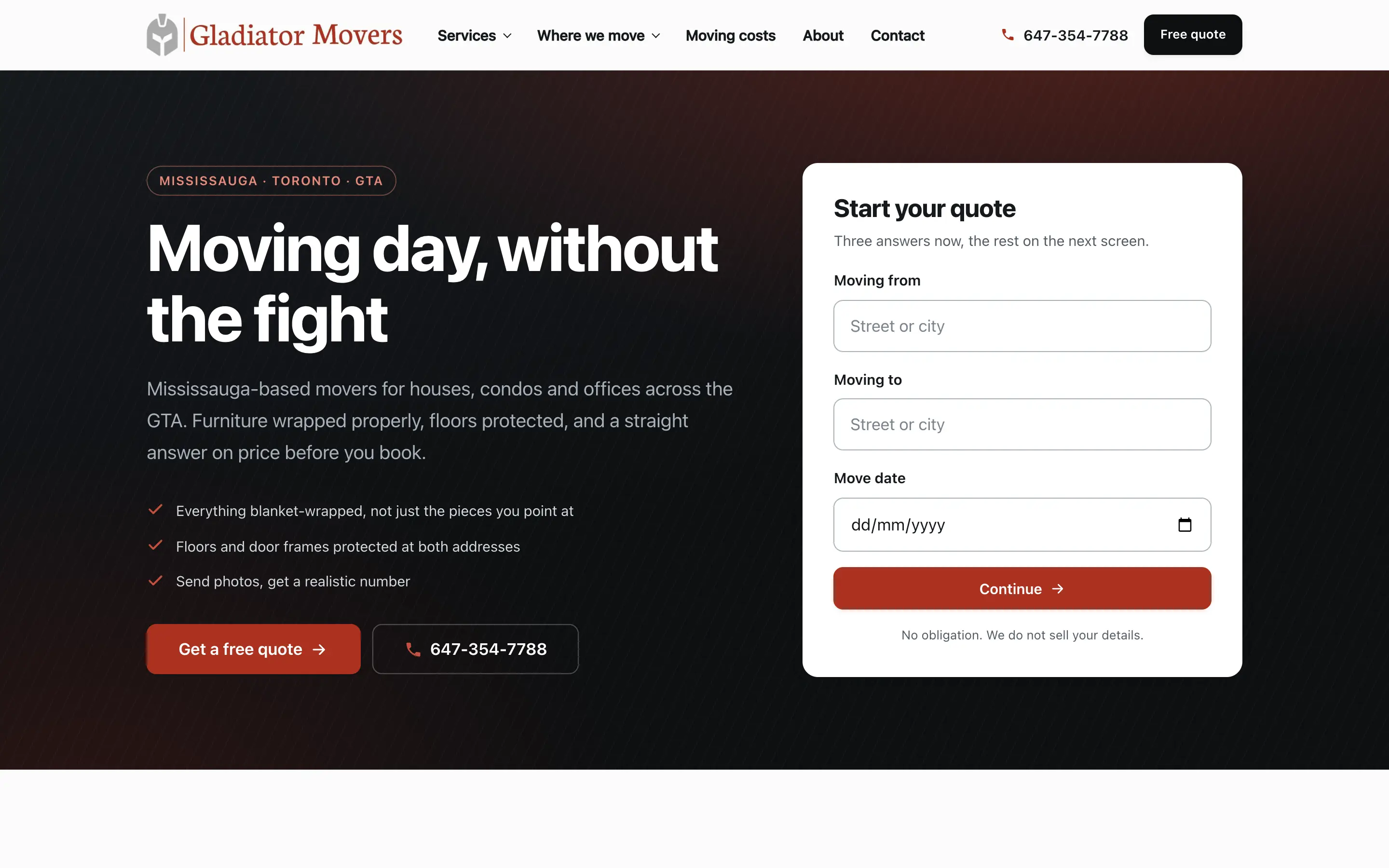
A moving company site where the quote starts in the hero, service pages exist for every job type, and the whole thing is built around one action: get a real number.
Toronto & the GTA
WordPress runs a large share of the business websites in Toronto, and most of the slow ones got that way through a page builder and eleven years of accumulated plugins. InceptiCode builds on a custom theme instead — lighter, easier to edit, and without a licence to keep renewing.
WordPress builds from C$2,490
or call +1 647 691 5063
Custom theme, not a page builder · editable without a developer · hosting and domain in your name
Real projects
Custom themes carrying service pages, service-area pages and quote flows. Every one is live — open the forms and use them the way your customers would.
A moving company site where the quote starts in the hero, service pages exist for every job type, and the whole thing is built around one action: get a real number.
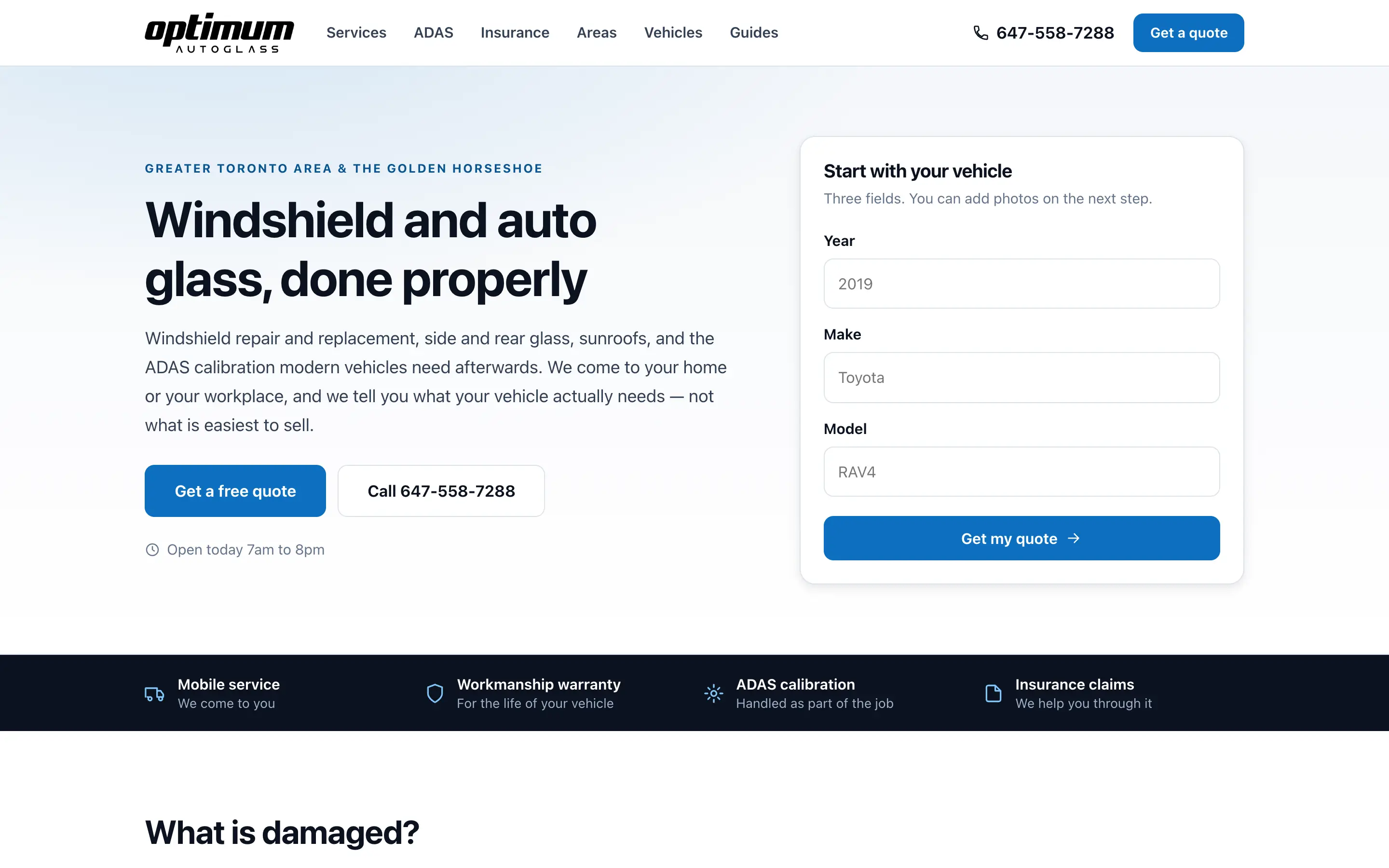
An auto glass site that asks for the vehicle first, explains ADAS and insurance plainly, and has a landing page for every service, area and vehicle people search.
A full online store with cart and checkout, built Arabic-first with a proper right-to-left layout and an English switch — not a translated afterthought.
Pricing
WordPress business websites start at C$2,490 and most land between C$2,490–C$4,990. Page count, custom functionality, integrations and whether we write the content are what move the number, and you get a fixed price in writing before design starts.
Most requested
A professional site for an established business that needs to win more work.
From C$2,490
Most projects: C$2,490–C$4,990
Shopify or WooCommerce, set up to actually sell — not just to look finished.
From C$3,990
Most projects: C$5,900–C$8,900+
What's included
If you already run WordPress and are unhappy with it, the first question is whether the theme is worth keeping. Taking over an existing site is often cheaper than rebuilding — and sometimes it is not, because the page builder underneath is the reason the site is slow. We audit before recommending either.
How it works
No discovery invoices, no scope creep, no surprise change orders halfway through.
A short call or a form. What you do, who buys from you, what you want the website to bring in. No technical questions.
InceptiCode comes back with a page-by-page plan and a fixed price. You approve it before anything is designed or built.
The key pages are designed properly, with your content in them rather than a wireframe. Two rounds of revisions are built into the price.
The approved design gets built — responsive, fast, with forms and tracking wired up as part of the work.
A staging link goes to you, and you go through it properly. Content, links, forms, phone numbers. Anything wrong gets fixed before launch.
InceptiCode handles DNS, hosting and the cutover, submits the sitemap to Google, and confirms tracking is recording. Then we stay reachable.
Why InceptiCode
Page builders make the first version fast and every version after it heavier — they ship a fixed payload of CSS and JavaScript whether or not a page uses it, and they tie the site to a plugin that has to keep being paid for. InceptiCode builds a custom theme with proper editable fields, which loads less and is easier to edit for the things that actually change.
Text, images, prices, hours, staff, new pages and posts are all editable by you, and we show you how before launch. Structural changes come back to us. Nothing that changes week to week should ever require an invoice.
Most slow, fragile WordPress sites got that way one reasonable decision at a time — a plugin added for a campaign years ago and never removed, still loading scripts on every page. Part of any build or takeover is establishing what is installed, what it costs and what has stopped earning its place.
WordPress core is well maintained; compromised sites are overwhelmingly running outdated plugins, abandoned themes or a reused password. Updates, backups and patching are the substance of the work, which is why they are what a care plan actually contains.
WordPress needs hosting, and we will recommend one, set it up and manage it. The account stays yours, with your payment details, so the day you want to move you already own everything required to do it.
For a small site whose content rarely changes, a fast static build is lighter, safer and cheaper to run — this site is built that way. For a catalogue, Shopify or WooCommerce is the question rather than WordPress alone. The platform gets chosen to fit the business, not to fit a subscription we resell.
FAQ
Only when a client already runs one and wants to keep editing the way they know. Page builders make the first version quick and every version after it heavier — they ship large amounts of CSS and JavaScript regardless of what a page uses, and they lock the site to a plugin that has to keep being paid for and updated. When we build from scratch we use a custom theme with proper editable fields, which is faster and easier to edit for the things that actually change.
WordPress core is well maintained; the overwhelming majority of compromised sites are running outdated plugins, abandoned themes, or a password reused from somewhere else. Security on a WordPress site is a maintenance question rather than a platform question, which is why updates, backups and patching are the substance of a care plan rather than an add-on to it.
The count matters less than what each one loads and whether anyone still uses it. A site with twelve well-chosen plugins can be faster than one with five badly built ones. The real problem is accumulation — plugins added for a campaign three years ago, still loading scripts on every page. Part of any redesign or care plan is auditing what is installed and removing what has stopped earning its place.
WordPress when you want to edit content yourself, add pages and posts freely, and use a large ecosystem of integrations. A fast static build when the content changes rarely and speed and security matter more than daily editing — this site is built that way. Shopify or WooCommerce when there is a catalogue to sell. InceptiCode picks the platform to fit the business rather than to fit a subscription we resell, and will tell you what you are getting and why.
Our business websites start at C$2,490, and most business projects land between C$2,490–C$4,990. Online stores start at C$3,990, with larger stores typically C$5,900–C$8,900+. What moves a project up the range is page count, custom functionality, integrations, whether we write the content, and multilingual requirements. You get a fixed price in writing before any work starts.
Yes. You own the domain, the hosting account, the website files, the design and the content. Everything is registered in your name, and you get the logins. If you ever decide to work with someone else, you take it all with you and we will help with the handover.
Hosting is not included in the build price, and we deliberately keep it in your name rather than reselling it to you. We will recommend a suitable host for your site, set it up, and hand you the account. Typical hosting for a business site runs a few hundred dollars a year, paid directly to the host.
Yes. We build on platforms you can edit without a developer, and we show you how — text, images, prices, new pages, blog posts. For anything structural you can come back to us, but day-to-day changes should not require an invoice.
Yes. We move content, images, product data and URLs, and we redirect the old addresses to the new ones so nothing that Google already knows about turns into a broken link. For online stores we migrate products, collections, customers and order history where the platforms allow it.
We will tell you what it is built with, what is slowing it down, and whether it is worth improving or replacing — before quoting anything.
Call us and you get a person, not a queue. We normally reply within one business day.